

Miscellaneous Features
Restricted: only its creator, the people they add and admins can edit this page.
Below is a list of miscellaneous features in Pactoria that are not extensive enough to have their own page.
Banner Shapes
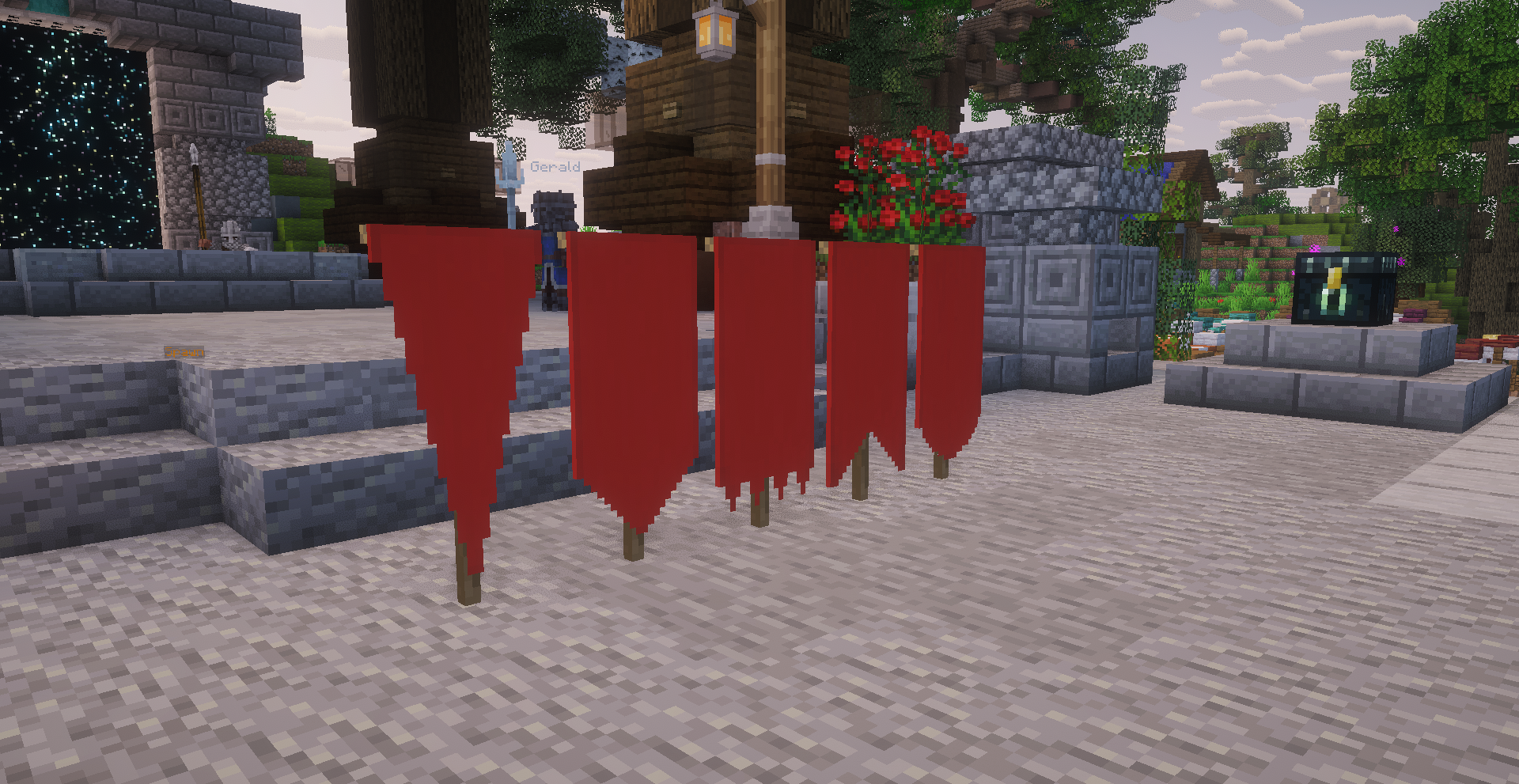
Banners come in more shapes than the vanilla rectangular one. By using shears on a crafting table next to the banner, you can shape it into a swallowtail banner, a pointed banner, a gonfalon banner, a rounded banner and a pennant banner.
Banner Pikes
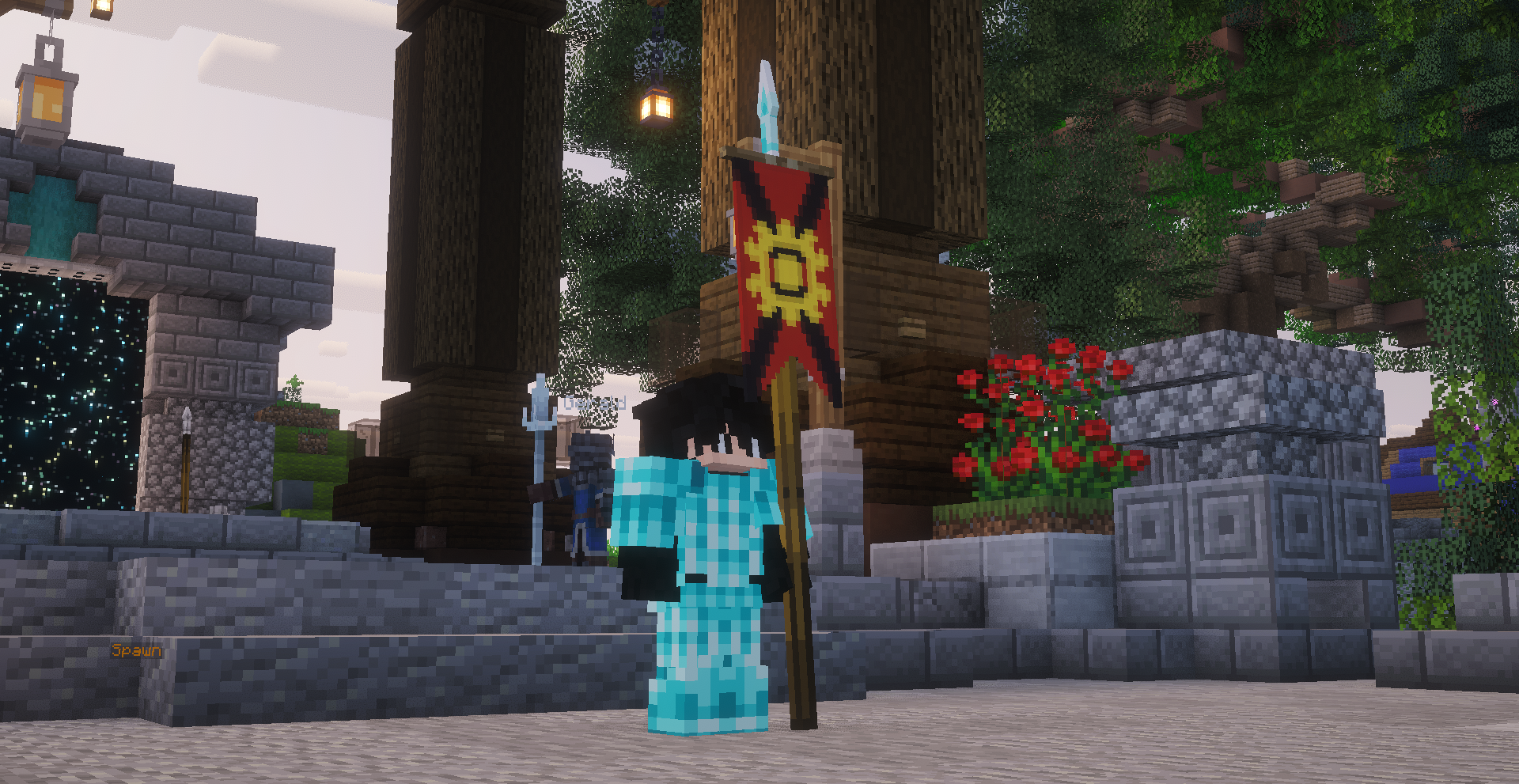
Players can add a banner on a pike by placing a pike next to a banner in a crafting table. This works with any design and any shaped banner.
Better Roads
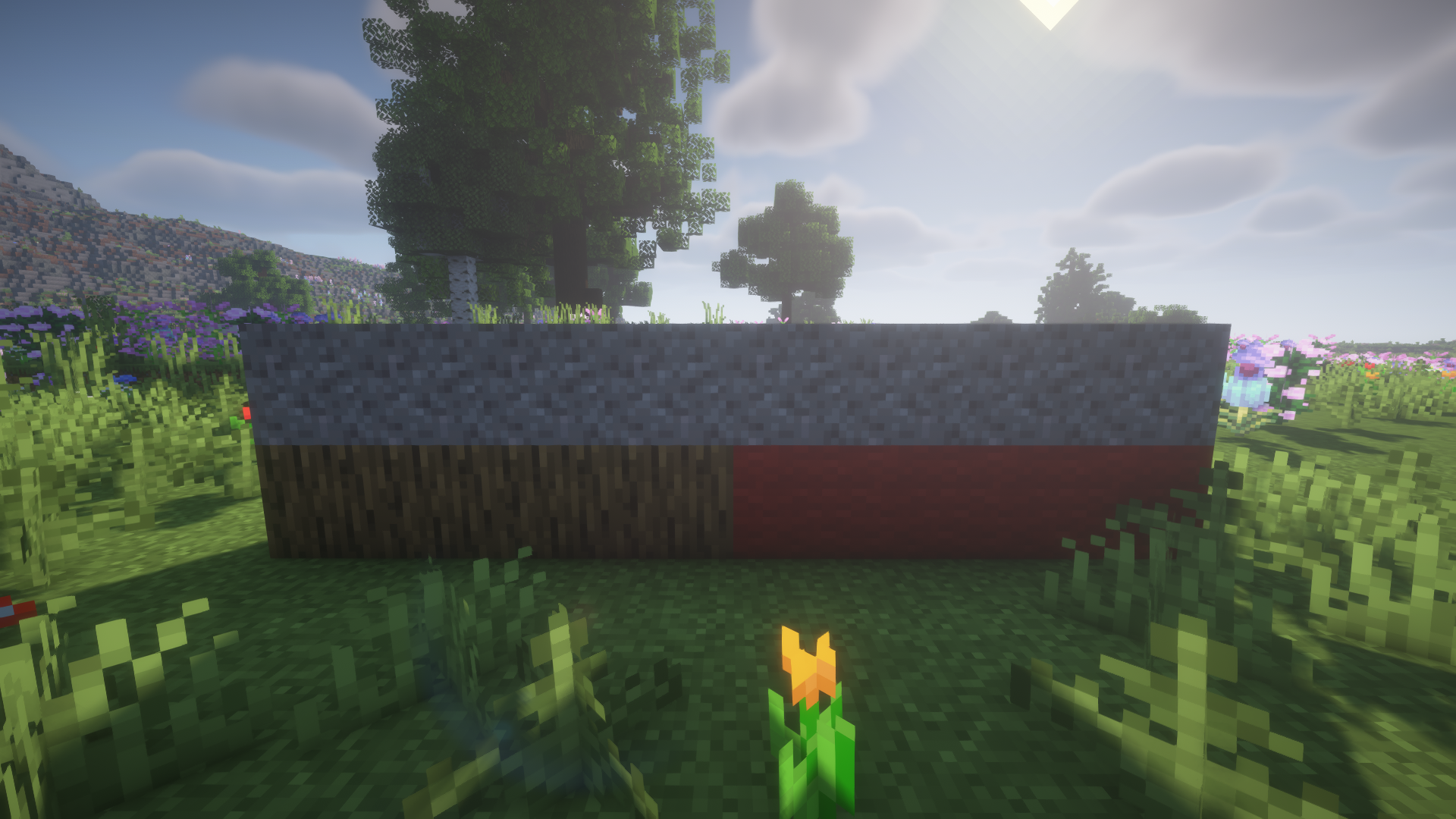
This feature allows players to traverse certain paths faster than others. This is achieved through the use of wool or tripwire (string) below any type of block. When using any type of wool or tripwire under any block, the player is given Speed II as long as they are moving above said block. This makes real, functional roads possible.
Bookshelf Browsing
Hover over a chiseled bookshelf to see the names of the books inside, without pulling each one out.
Contracts
This feature allows players to write down contracts and recreate the real-life contract signing procedure. To use this feature, craft a blank contract with paper and a diamond. Open the blank contract and write down the title and terms. Once it has been written down, save the contract, right-click it again and press 'Sign' to add your own signature. Then pass it to every signatory to finally seal the contract.
- Every player can only sign with their own name, and you must be holding the contract to sign it, so signing happens in person.
- Until the contract is sealed, anyone who signed can withdraw their signature. Once it's sealed, it can't be changed.
- You can see the names of everyone who signed at any time.
- To make a copy, hold the contract in your main hand and paper in your off hand, then run
/contract duplicate.
Treaties, alliances, trade deals, land agreements and ceasefires can all be made official with a contract. A broken contract can be the reason for a casus belli, so handle it with care.
Death Screen
When you die you are left where you fell, as a spectator who cannot move, and a window lists every place you can respawn: your personal spawn, the spawns of your nation's towns, the public spawns and, during a siege, the war camps you may use. Pick one to be moved there. If you do not choose within 60 seconds you are sent to the automatic spawn. If you log out while choosing, the window is waiting for you when you return.
Farming Plots
This feature, managed by the BetterFarming plugin, allows players to create their own farming plots, which are required to plant custom seeds. There are currently 10 custom crops: Lettuce, Rhubarb, Eggplant, Pineapple, Broccoli, Tea, Cabbage, Strawberry, Cauliflower and Coffee. Their seeds are obtained by breaking grass, with a low chance for a seed to drop.
To use farming plots, you must first craft them. After placing one, it will automatically generate a 5x5 farmland area, a spawner in the center and a barrel on one of the sides. The barrel allows you to place bone meal and automatically grow your crops. The spawner in the center contains a menu showing three elements: the wool indicates whether the crop can grow and how long it will take to fully grow, the barrel indicates the coordinates and the stored bone meal, and the wheat indicates the crops placed and the status of each. Only one farming plot may be placed per chunk. Each plot covers a 9x9 area.
Recipe (any type of log and plank works):
Gates
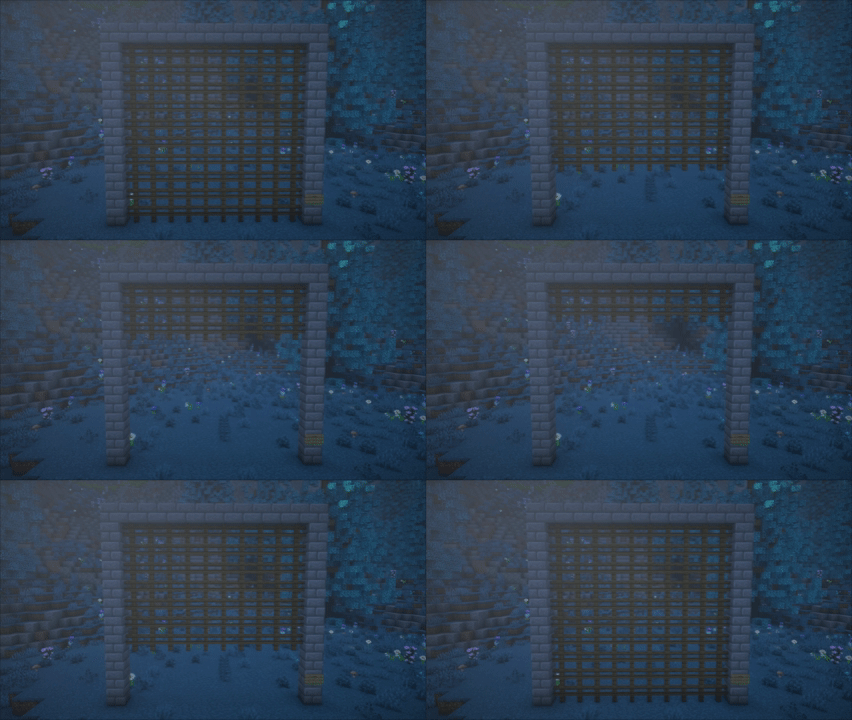
This feature allows you to make functional gates for your builds. Create a door frame within the 3×3 to 10×10 block range. Make a hollow frame with fences filling the empty parts and fill the opening with fence gates of any wood type.
Place a sign and write the following text: [gate]. Right-click the sign to open or close the gate.
Greek Fire
This feature allows your pet flying mounts to spit fire over an approximately 5×5 area. To use this feature, right-click your pet mount with a Dragon's Breath potion while riding on its back in the air. The mount will then shoot Greek fire, which lasts for 10 seconds, onto the ground.
Letters
This feature allows players to send messages to one another to improve roleplay flavor. These letters, unlike normal books and quills, can be sealed, and the receiver can tell whether they have been tampered with or not. To use them, write down your message and name the letter with the receiver's name (optional). Hand the sealed letter to a messenger to have it delivered.
Lore Chat
A chat built for roleplayers. Everything you say in lore chat appears above your head as an animated chat bubble, and you can trigger roleplay actions through it too.
No Crop Trampling
With this mini QoL feature, you can no longer break crops when you trample them.
Redstone Limitations
To ensure a good, lag-free server experience, the server has added some limitations to redstone. The following limitations apply: in each chunk, only 64 redstone dust can be placed, and your redstone machines will stop working once they are unloaded.
Note: Chunk loaders do not work on the server to bypass the chunk load requirement.
Steeds
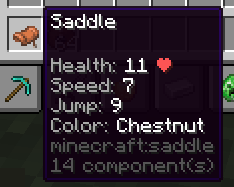
This feature allows you to pick up horses with saddles and carry them around in your inventory as saddles. To do this, tame a horse and give it a saddle. Shift + Right Click on it to open the horse menu. Finally, right-click on the saddle to pick up the horse. To spawn the horse, right-click the saddle. These horses can also take any armor trim.
Having more than two horses will make you go slower. You cannot pick up more than five horses simultaneously. When a horse dies, it will drop its saddle. You may bring it back by right-clicking a hay block near it.
Other animals
Much like horses, nautiluses can also be picked up through the same mechanic. Shift + Right-click on the nautilus, Shift + Right-click again on the saddle icon, and you will pick the nautilus up.
Upgradeable Furnaces
Just like its title suggests, this feature allows furnaces, smokers and blast furnaces to be upgraded. To open the upgrade menu, Shift + Right Click on one. Upgrades come in two types: Cook Speed and Fuel Efficiency. Upgrades are kept even if the furnace is broken and placed again.
Cook Speed
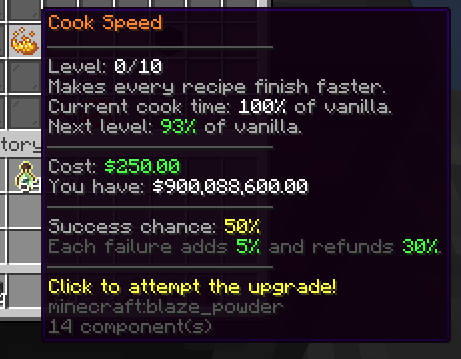
Cook speed determines the speed at which a recipe is finished. It can be upgraded to level 10. The success chance at the start of every level is always 50%, and each failure adds 5% and refunds 30% of the upgrade cost.
| Level | Cook Time | Upgrade Cost |
|---|---|---|
| 0 | 100% | $250.00 |
| 1 | 93% | $500.00 |
| 2 | 86% | $750.00 |
| 3 | 79% | $1000.00 |
| 4 | 72% | $1250.00 |
| 5 | 65% | $1500.00 |
| 6 | 58% | $1750.00 |
| 7 | 51% | $2000.00 |
| 8 | 44% | $2250.00 |
| 9 | 37% | $2500.00 |
| 10 | 30% | ——— |
Fuel Efficiency
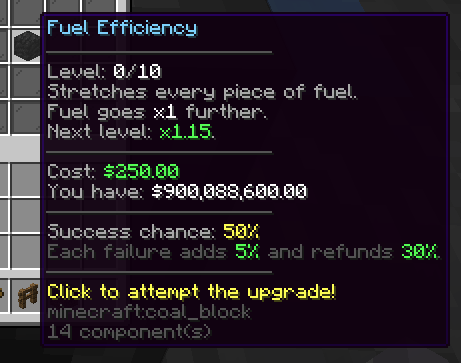
Fuel efficiency determines how long a fuel (coal, lava bucket, wood, etc.) can last as a multiplier (relative to its vanilla value). For example, if 1 coal can smelt 8 items, with a 2x multiplier it would be able to smelt 16 items. It can be upgraded to level 10. The success chance at the start of every level is always 50%, and each failure adds 5% and refunds 30% of the upgrade cost.
| Level | Efficiency Multiplier | Upgrade Cost |
|---|---|---|
| 0 | x1 | $250.00 |
| 1 | x1.15 | $500.00 |
| 2 | x1.30 | $750.00 |
| 3 | x1.45 | $1000.00 |
| 4 | x1.60 | $1250.00 |
| 5 | x1.75 | $1500.00 |
| 6 | x1.90 | $1750.00 |
| 7 | x2.05 | $2000.00 |
| 8 | x2.20 | $2250.00 |
| 9 | x2.35 | $2500.00 |
| 10 | x2.50 | ——— |
XP Extraction
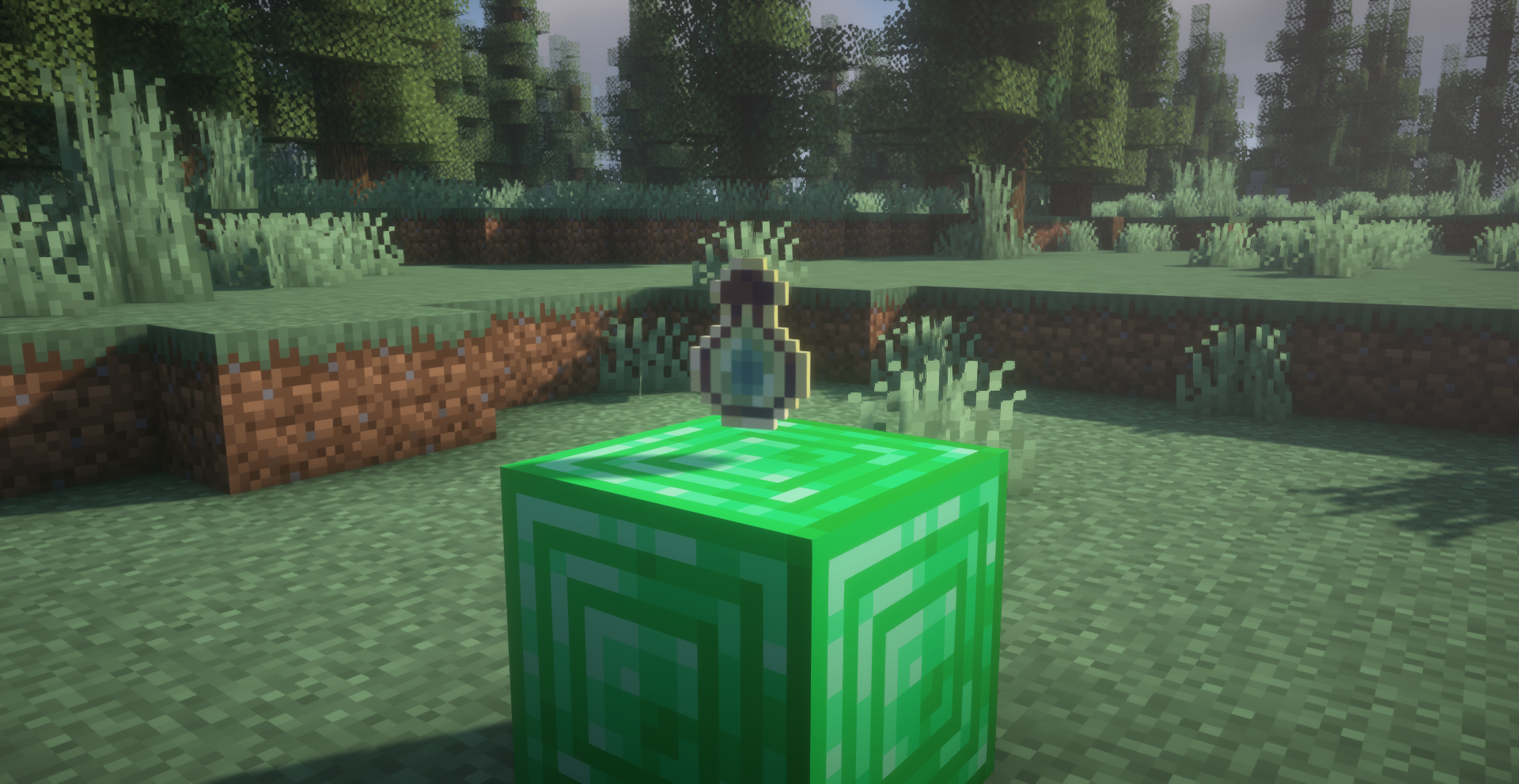
This feature lets you store your experience in a bottle using an emerald block, so when you die, you can keep the experience you gathered. To use this feature, right-click an emerald block with an empty glass bottle; each bottle costs 9 XP points.